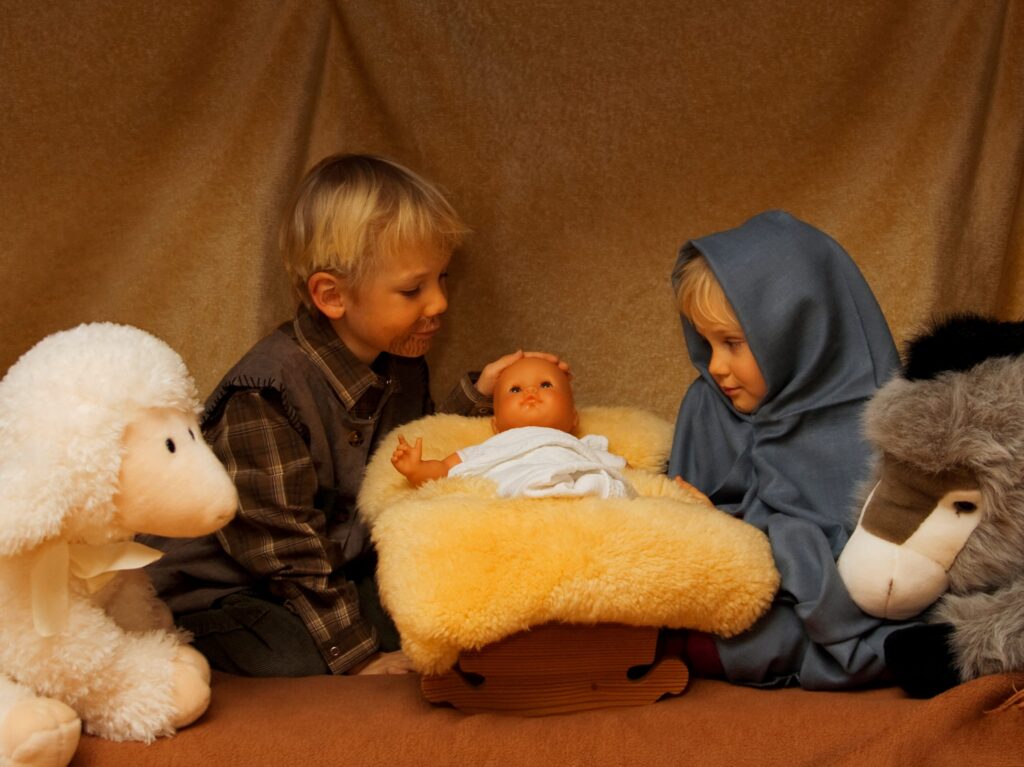
The tea towels are ironed, the tinsel halos are mostly intact, and at least one shepherd will cry. Then the lights go down and forty phones go up. The nativity is one of the loveliest afternoons in the nursery year. For whoever is responsible for safeguarding, it can also be one of the most nerve-wracking.
Parents filming is usually fine
This surprises many managers, so it’s worth starting here. The Information Commissioner’s Office has said for years that parents taking photos or videos of their own child at a school or nursery event, for their own family use, are not breaching data protection law. Personal and household use is outside UK GDPR.
A blanket ban on filming is therefore not something the law requires. It is also usually unpopular and difficult to enforce with a hall full of grandparents. The problems start when footage leaves the family, most often when it’s posted online, where it can be shared, tagged and found by anyone.
The children who must not appear
In most settings there are one or two children for whom a photo online is a real risk. They might be looked after or recently adopted. They might be living somewhere safe after domestic abuse, or protected by a court order. A single public photo showing the child’s face, the nursery’s name and the town can tell someone exactly where to find them.
Your DSL and key persons should know who these children are before the event is planned, not on the day. The solution then depends on the child and their family. Some settings plan a separate filmed performance for everyone else. Some position the child so they are out of shot, and others agree a private recording with the carer. The aim is to include every child fully while keeping each of them safe.
Setting the rules before the lights go down
Most parents will follow a clear, friendly request, especially when they understand the reason. A few things make it easier:
- Tell parents in advance in the invitation or newsletter. Photos and videos are welcome for personal use, but please don’t post images of other people’s children online.
- Say it again on the day in a short welcome before the performance starts, so it doesn’t feel like a telling-off afterwards.
- Offer a photo moment at the end, when parents can photograph their own child on their own.
- Ask for extra care in shared groups. Private parent chats are where most nursery photos end up, so mention them directly.
Your own photos are a different matter
Once the setting takes the pictures, whether for learning journals, a display or social media, you are the controller of that data and UK GDPR applies in full. You need a lawful basis, which for social media and marketing usually means consent from each parent that is specific and up to date. Check your consent records before the event, not after the photos are online.
Staff should use setting devices only. The EYFS requires a clear policy on mobile phones and cameras, and a busy afternoon with visitors in the building is exactly when personal phones tend to appear. We covered how to make that policy work in practice in making your device policy stick on a busy Tuesday. Our Mobile Phones, Cameras and Smart Devices in the Setting course covers photography, consent and visitors in detail.
For the data protection side, GDPR for Staff gives the whole team the basics of lawful processing, consent and what to do if something goes wrong.
Make your camera and device policy work on the busiest days.
Mobile Phones, Cameras and Smart Devices in the Setting covers personal devices, photography and consent, and applying the policy with visitors and parents, with an NFAQ-accredited certificate on completion.
A bit of planning now means you can enjoy the performance on the day. Parents get their photos, the shepherd who cried gets a cuddle, and the child who needed to stay out of the pictures still takes part in the show.